

Your digital menu is often the first impression customers have of your restaurant. A well-designed digital menu can increase sales by up to 30%, while a poorly designed one can drive customers away. Here’s how to create a digital menu that converts browsers into buyers.
What is Digital Menu Ordering?
Digital menu ordering allows customers to scan a QR code at their table, browse the menu on their smartphone, and place orders directly without waiter assistance. Orders go straight to the kitchen dashboard, eliminating communication errors and reducing dependency on wait staff.
Unlike traditional digital menus that only display items, ordering-enabled systems complete the entire customer journey—from browsing to checkout—creating a seamless, self-service experience.
1. Design for Mobile-First Experience
Since 100% of QR code scans happen on smartphones, mobile optimization isn’t optional—it’s critical.
Essential Mobile Design Practices:
- Readable Typography: Use minimum 16px font size for body text and 20px+ for headings
- Touch-Friendly Buttons: Make order buttons at least 44×44 pixels for easy tapping
- Fast Loading: Optimize images to load in under 3 seconds (compressed JPEGs at 80% quality)
- Thumb-Friendly Layout: Place primary actions in easy-to-reach areas of the screen
- Simple Navigation: Use sticky category navigation so customers can quickly jump between sections
Pro Tip: Test your menu on multiple devices—both iOS and Android—and on both WiFi and mobile data to ensure consistent performance.
2. Optimize Menu Structure for Quick Ordering
Decision paralysis is real. Too many choices overwhelm customers and slow down ordering.
Strategic Organization:
- Limit categories to 6-8 main sections: Appetizers, Mains, Beverages, Desserts, etc.
- Cap items per category at 10-15: More than this creates scroll fatigue
- Place high-margin items at top and bottom: These “power positions” get the most attention
- Use descriptive category names: “Signature Curries” performs better than just “Curries”
- Create a “Chef’s Specials” or “Popular” section: Highlighting bestsellers guides indecisive customers
Order Flow Best Practice: Keep the path to checkout visible at all times. A floating “View Cart” button with item count increases order completion by 25%.
3. Invest in Quality Food Photography
Visual appeal directly impacts sales. Professional food photos can increase item selection by up to 200%.
Photography Essentials:
- Natural lighting over flash: Shoot near windows during golden hour
- Show actual portion sizes: Misleading photos create disappointment and refunds
- Include context: Show the dish plated, not just ingredients
- Consistency in style: Use the same background, lighting, and angle for cohesive branding
- Optimize file sizes: Compress to 100-200KB without losing quality
Budget-Friendly Alternative: If professional photography isn’t feasible initially, use a good smartphone camera with natural light. Consistency matters more than expensive equipment.
4. Write Descriptions That Sell
Descriptive menu copy increases sales by 27%. Generic descriptions like “delicious pasta” don’t convert. Sensory, specific descriptions do.
Winning Description Formula:
- Lead with sensory words: “Crispy,” “tender,” “aromatic,” “rich”
- Mention key ingredients: “Slow-cooked lamb with saffron-infused basmati”
- Describe cooking method: “Charcoal-grilled,” “wood-fired,” “hand-tossed”
- Add origin or story: “Traditional recipe from Kerala” creates authenticity
- Include dietary info: Clearly mark vegetarian, vegan, gluten-free, spicy items
Example: ❌ Bad: “Chicken Curry – Delicious chicken in curry sauce” ✅ Good: “Kerala-Style Chicken Curry – Tender chicken slow-cooked in aromatic coconut-based curry with curry leaves, mustard seeds, and a hint of tamarind. Served with steamed rice.”
5. Implement Smart Pricing Psychology
How you display prices impacts purchasing decisions.
Pricing Best Practices:
- Remove currency symbols: ₹250 triggers more price sensitivity than just 250
- Place price after description: Let them desire it before seeing cost
- Use round numbers for premium items: 500 feels more premium than 499
- Bundle for value perception: “2 Pizzas + 2 Drinks = 800” increases average order value
- Avoid price laddering: Don’t list items in price order (low to high or vice versa)
Dynamic Pricing Tip: With digital menus, you can adjust prices instantly based on demand, time of day, or ingredient costs—something impossible with printed menus.
6. Enable Real-Time Menu Updates
The ability to update instantly is digital menu’s biggest operational advantage.
What to Update in Real-Time:
- Sold-out items: Mark unavailable immediately to prevent disappointment
- Daily specials: Add time-sensitive offers without reprinting
- Price adjustments: Respond to ingredient cost changes dynamically
- Seasonal menus: Rotate offerings based on availability
- Limited-time promotions: Create urgency with flash deals
This flexibility reduces food waste, prevents negative reviews from unavailable items, and allows agile menu engineering.
7. Build in Strategic Upselling
Digital ordering removes the awkwardness of upselling and can increase average order value by 20-35%.
Automated Upselling Techniques:
- “Frequently Bought Together”: Suggest pairing drinks with mains
- “Complete Your Meal”: Prompt for desserts after main course selection
- Add-ons at checkout: “Add extra cheese for just ₹30?”
- Combo deals: “Upgrade to combo and save ₹50”
- Popular items notification: “95% of customers also order our Masala Chai”
Timing Matters: Show upsells at the right moment—beverage suggestions when selecting appetizers, desserts after mains are added to cart.
8. Provide Clear Dietary and Allergen Information
Food safety and dietary preferences are non-negotiable in 2026.
Essential Information to Include:
- Visual indicators: Use icons for veg/non-veg, vegan, gluten-free, nuts, dairy
- Spice level indicators: Mild, medium, hot with clear visual cues
- Allergen warnings: List all major allergens prominently
- Customization options: Allow modifications (no onions, extra spicy, etc.)
- Nutritional info (optional but growing in demand): Calories, protein, carbs
This transparency builds trust and reduces order modifications and returns.
9. Streamline the Ordering Process
Every extra tap is a conversion leak. Optimize for speed.
Friction Reduction Strategies:
- No account creation required: Let customers order as guests
- Minimal form fields: Just table number and name—nothing more
- One-tap reordering: Let customers duplicate previous items quickly
- Clear cart visibility: Show running total and item count always
- Edit before confirm: Allow cart modifications before final submission
- Instant order confirmation: Provide immediate feedback that order was received
Speed Benchmark: Customers should be able to browse, order, and confirm within 2-3 minutes for a typical 2-3 item order.
10. Integrate Kitchen Dashboard Efficiently
Digital ordering only works if the kitchen receives orders clearly and quickly.
Kitchen Dashboard Must-Haves:
- Real-time order notifications: Sound/visual alerts for new orders
- Table number prominence: Clear, large display of which table ordered
- Order timestamp: Track how long each order has been pending
- Item preparation status: Mark items as preparing/ready
- Order history: Access to recent orders for quick reference
- Simple interface: Kitchen staff should understand it instantly without training
Communication Flow: Customer orders → Instant dashboard notification → Kitchen prepares → Status updated → Bill generated
11. Choose the Right Digital Menu Platform
Your platform choice determines long-term success. Key factors to evaluate:
Critical Features:
✅ Easy setup: Should be operational within 5-10 minutes, not days ✅ No technical knowledge required: Restaurant owners should manage independently ✅ Instant menu editing: Update prices, descriptions, availability in real-time ✅ Reliable QR codes: Work across all devices and OS versions ✅ Order management dashboard: Clear view of all orders and revenue ✅ Affordable pricing: Look for transparent, all-inclusive monthly fees ✅ Customer support: Quick assistance when issues arise ✅ Mobile-optimized: Fast loading on all network speeds
Red Flags: Avoid platforms with per-order fees (they eat into margins), annual lock-ins, or expensive setup costs.
Implementation: Getting Started with Digital Menu Ordering
Phase 1: Setup (Day 1)
- Choose a reliable digital menu platform
- Upload your menu items with photos and descriptions
- Set up categories and pricing
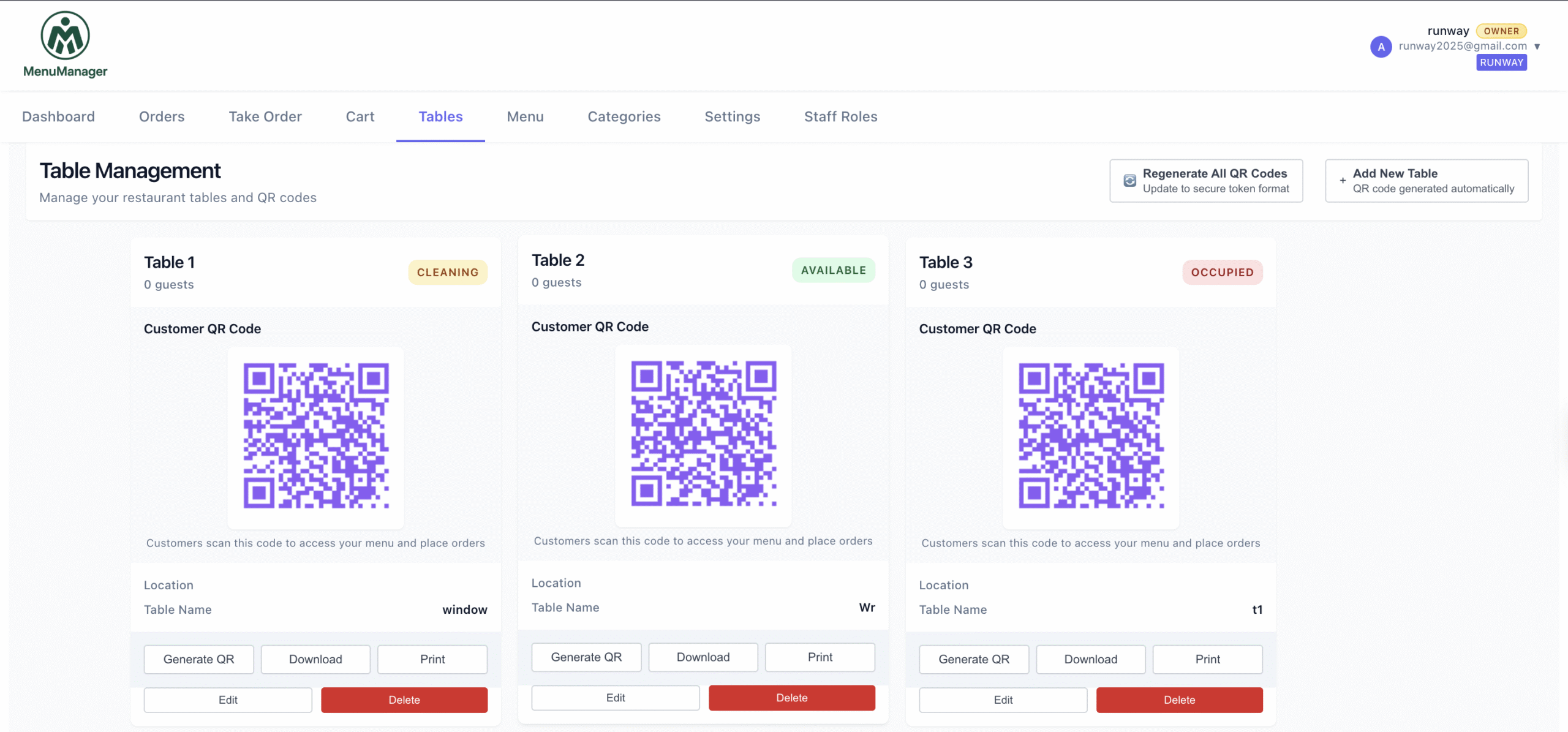
- Generate QR codes for each table
Phase 2: Testing (Days 2-3)
- Test ordering process on multiple devices
- Train staff on the kitchen dashboard
- Do trial runs with staff members as customers
- Fine-tune menu layout based on feedback
Phase 3: Soft Launch (Week 1)
- Introduce to select tables first
- Offer both digital and traditional options
- Gather customer feedback
- Monitor order flow and kitchen response time
Phase 4: Full Rollout (Week 2+)
- Make digital ordering primary method
- Keep minimal wait staff for assistance
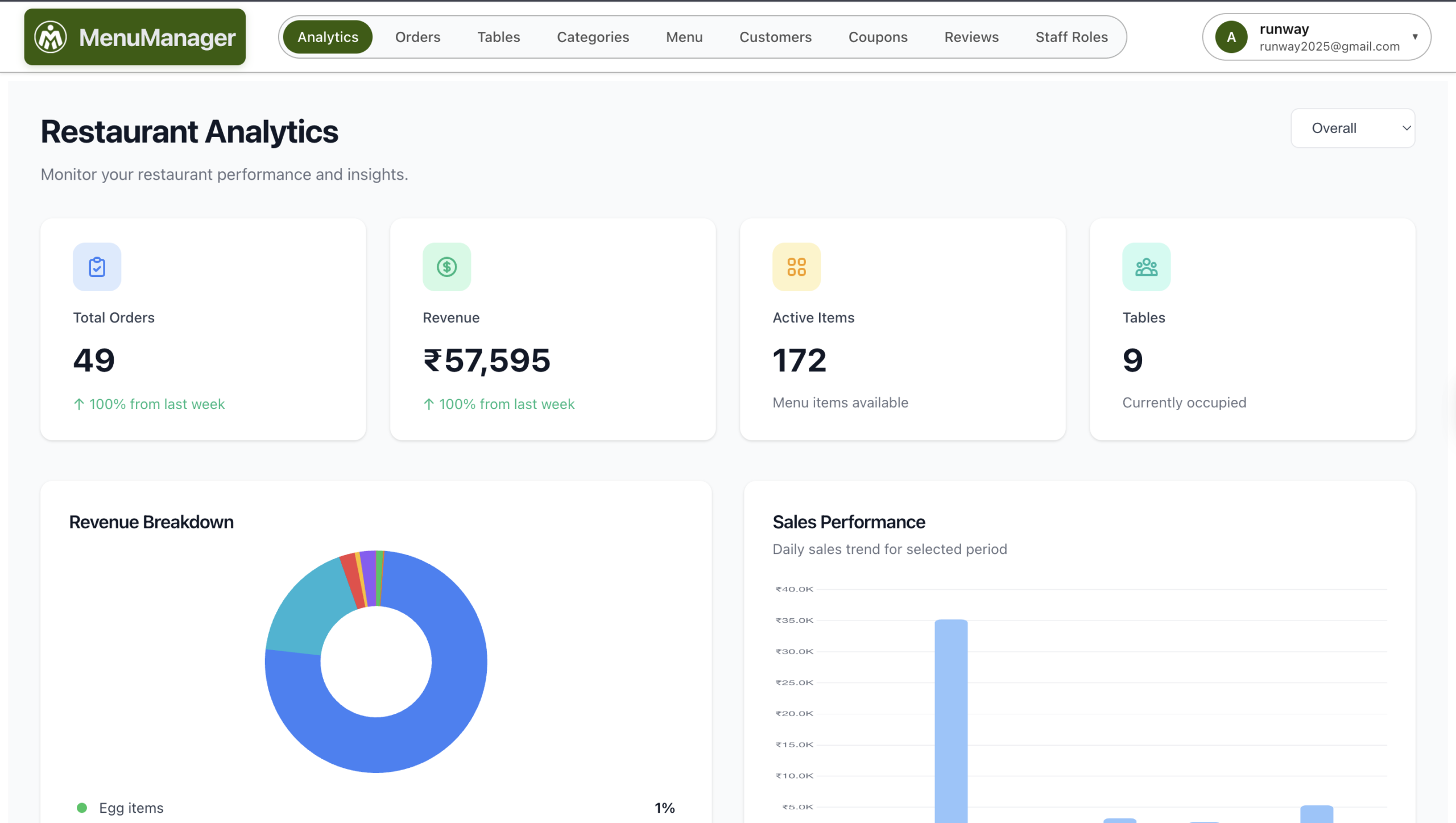
- Monitor analytics: popular items, order times, revenue
- Continuously optimize menu based on data
Timeline: Most restaurants are fully operational with digital ordering within 7-10 days.
ROI: The Business Case for Digital Menu Ordering
Cost Savings:
- Labor costs reduced by 30-40%: Fewer waiters needed for order-taking
- Order accuracy improved by 85%: Eliminates miscommunication errors
- Printing costs eliminated: No more menu reprints for price changes
- Faster table turnover: 15-20% quicker due to instant ordering
Revenue Increase:
- Average order value up 20-25%: Thanks to strategic upselling
- Sales of high-margin items up 30%: Better positioning and photos
- Reduced waste: Real-time sold-out updates prevent over-preparation
Break-even: For a platform costing ₹900/month, you need to save just ₹30/day in labor or increase revenue by 2-3 orders daily. Most restaurants see positive ROI within the first month.
Common Mistakes to Avoid
❌ Cluttered menu design: Too much information overwhelms customers ❌ Poor quality images: Blurry or unappetizing photos hurt sales ❌ Hidden prices: Customers want price transparency upfront ❌ Slow loading menus: Anything over 5 seconds loses customers ❌ No staff training: Kitchen must know how to use the dashboard ❌ Ignoring analytics: Data shows what’s working—use it ❌ Making it too complex: Simple ordering beats feature overload
Once your digital menu is set up, follow our complete QR code ordering guide for step-by-step implementation instructions. Pair your digital menu with the right restaurant marketing strategies to drive more customers to your door. Explore all MenuManager features to get the most out of your digital ordering system.
Conclusion: Future-Proof Your Restaurant
Digital menu ordering isn’t a temporary trend—it’s the new standard. Customers expect convenience, speed, and control over their dining experience. Restaurants that adapt thrive; those that don’t struggle with rising labor costs and decreasing margins.
The best practices outlined here work regardless of your restaurant size. Whether you run a small cafe or a medium-sized restaurant, implementing waiterless ordering reduces costs, improves accuracy, and increases revenue.
Ready to get started? Look for a platform that offers a free trial, simple setup, and affordable monthly pricing. Test it risk-free, and you’ll quickly see why digital menu ordering is the smartest investment you can make for your restaurant in 2026.

Leave a Reply