

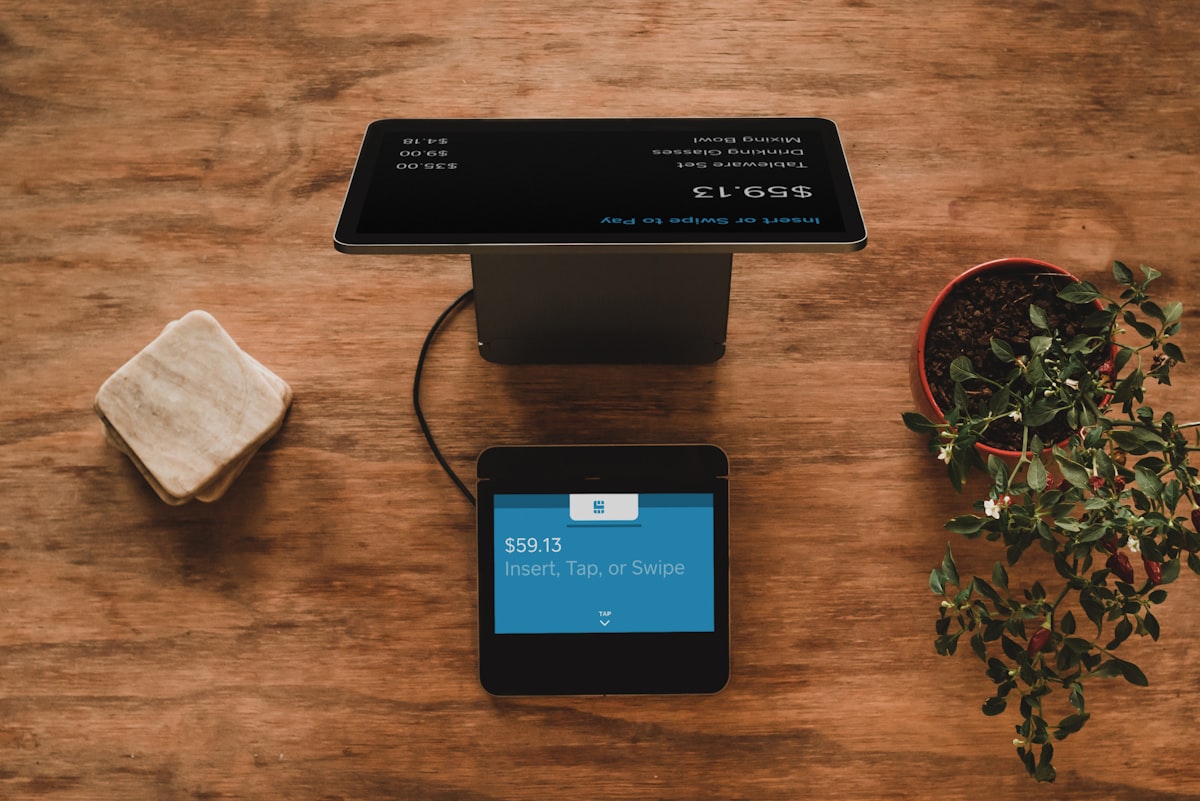
Walk into any popular restaurant in Mumbai, Delhi, or Bangalore today and you will notice something missing from the table: the paper menu. In its place sits a small table tent or sticker with a QR code. One scan with a smartphone and the entire menu appears, complete with photos, prices, customisation options, and a button to place your order.
This is not a trend. It is a fundamental shift in how Indian restaurants operate. According to industry data, over 60% of Indian restaurants have adopted QR code menus in 2026, with that number climbing past 80% in metro cities. The organised restaurant segment in India is growing at 15% CAGR, and technology adoption, especially QR ordering, is a primary driver of that growth.
Whether you run a single-location dhaba, a fine-dining restaurant, or a multi-outlet chain, this guide covers everything you need to know: how QR ordering works, what it costs, which platforms to consider, and how to set yours up today.
How QR Code Ordering Works: The Customer Journey
QR code ordering replaces the traditional order-taking workflow with a streamlined digital experience. Here is what your customer sees, step by step:
Step 1: Scan the QR Code
The customer sits down and uses their smartphone camera to scan the QR code on the table. No app download is required. The menu opens instantly in their mobile browser.
Step 2: Browse the Digital Menu
A mobile-optimised menu appears with categories, item photos, descriptions, prices, and dietary tags (veg, non-veg, Jain, gluten-free). Customers can filter, search, and explore at their own pace without waiting for a server.
Step 3: Customise and Add to Cart
Customers select items, choose portion sizes, add extras (extra cheese, extra gravy), and specify preferences. The system can automatically suggest add-ons and combos, driving upsells without any staff involvement.
Step 4: Place the Order
With one tap, the order goes directly to your kitchen display system (KDS) or POS. The table number is automatically linked to the QR code, so the kitchen knows exactly where to send the food.
Step 5: Pay Digitally
Customers can pay via UPI, credit/debit card, or wallet directly from their phone. No waiting for the bill, no splitting headaches. The entire experience, from scan to payment, takes under two minutes.
Why Restaurants Are Switching: Benefits of QR Code Menus
The shift to QR menus is not just about convenience. It delivers measurable financial and operational results. Here is what the data shows:
| Benefit | Impact | Details |
|---|---|---|
| Higher Order Value | 15-30% increase in AOV | Customers browse longer, discover premium items, and respond to digital upsell prompts. A Deloitte study found a 20% spending increase with digital ordering. |
| Printing Cost Savings | Rs 30,000-80,000/year saved | No more reprinting menus for price changes, seasonal items, or wear and tear. Update your menu instantly from a dashboard. |
| Faster Table Turnover | 15-20% more covers per shift | Customers order immediately after sitting. No waiting for servers to take orders or bring the bill. |
| Reduced Staff Dependency | Save 1-2 server salaries | Servers focus on hospitality and food running instead of order-taking. Critical during staff shortages. |
| Fewer Order Errors | Near-zero miscommunication | Customers enter their own orders. No misheard items, no language barriers, no illegible handwriting. |
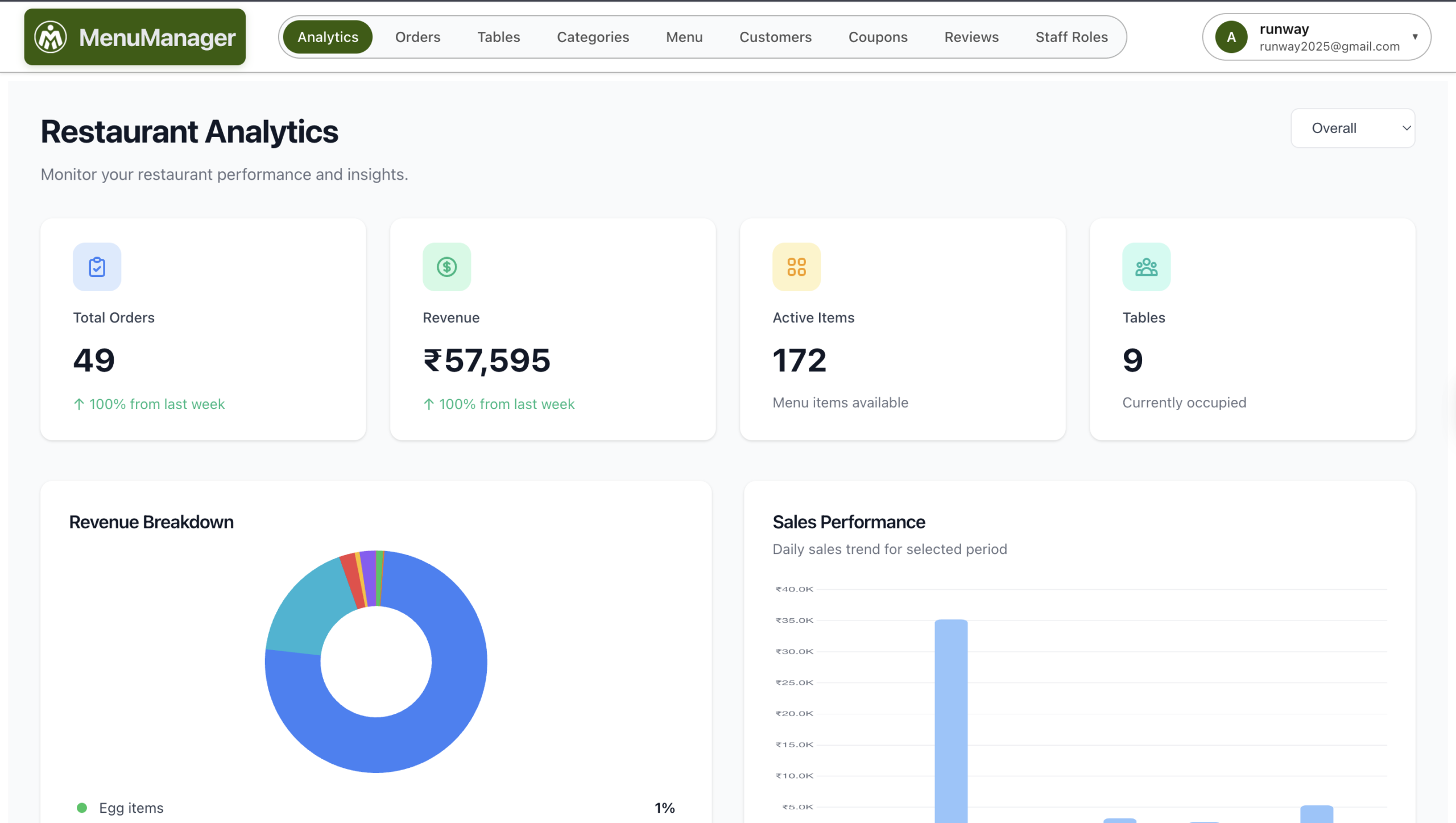
| Real-Time Analytics | Data-driven menu decisions | Track which items sell, which get viewed but not ordered, peak ordering times, and customer preferences. |
| Better Hygiene | Contactless experience | No shared physical menus passing between dozens of hands daily. Post-COVID diners still prefer this. |
| Instant Menu Updates | Change in seconds | 86 an item, add a special, change a price. Updates reflect instantly across all tables. |
The numbers are clear: restaurants using QR code ordering systems report a 35% increase in sales within the first 30 days of implementation. The ROI timeline is typically 1-3 months.
QR Menu Platforms Comparison: Which One Is Right for You?
Not all QR ordering systems are built the same. Here is an honest comparison of the top platforms available for Indian restaurants in 2026:
| Feature | MenuManager | PetPooja | Thrive | DotPe |
|---|---|---|---|---|
| QR Code Ordering | Yes (core feature) | Yes (add-on) | Yes | Yes (core feature) |
| Commission per Order | Zero commission | None (subscription) | Varies | Commission-based |
| WhatsApp Integration | Built-in | Limited | No | Limited |
| Table Management | Included | Included | Basic | Limited |
| Built-in Analytics | Advanced dashboard | Yes | Basic | Yes |
| Multi-language Menu | Yes | Limited | No | Limited |
| Setup Time | Under 30 minutes | 1-2 days | 1-2 days | Few hours |
| UPI/Payment Integration | Yes (all major) | Yes | Yes | Yes |
| Ideal For | All restaurant sizes | Medium to large chains | Online ordering focus | High-volume outlets |
| Pricing | Free plan available; paid from Rs 999/mo | From Rs 1,200/mo + setup | Custom pricing | Commission per order |
Why MenuManager stands out: Most platforms either charge commissions that eat into your margins or bundle QR ordering inside an expensive POS subscription you may not need. MenuManager was built specifically for the Indian restaurant market with a clear philosophy: zero commission, easy setup, and features that actually drive revenue. The built-in WhatsApp integration means you can send order updates, collect feedback, and run promotions through the channel your customers already use. Check the full feature list and transparent pricing.
For a deeper dive into the underlying tech, see what a QR code ordering system actually does for restaurants in India.
For a detailed comparison of all 7 QR ordering platforms with pricing and honest reviews, read our guide to the best QR code ordering systems for Indian restaurants in 2026.
Step-by-Step: Set Up Your QR Code Menu in 7 Steps
Getting your QR code menu live does not require technical skills. Follow these seven steps and you can be operational today:
Step 1: Choose Your Platform
Select a QR ordering system that fits your needs and budget. For most Indian restaurants, MenuManager offers the best balance of features and affordability, with a free plan to start. Avoid platforms that lock you into long contracts or charge per-order commissions.
Step 2: Add Your Menu Items
Upload your menu with categories (Starters, Mains, Breads, Beverages, Desserts), item names, descriptions, prices, and dietary tags. Keep descriptions short and appetising. If you already have a menu in a spreadsheet, most platforms let you bulk import.
Step 3: Upload High-Quality Photos
Items with photos sell 30% more than items without. Use well-lit, appetising images. You do not need a professional photographer: a smartphone with good lighting and a clean background works. Shoot from a 45-degree angle for the most appealing look.
Step 4: Configure Tables and QR Codes
Set up your table layout in the dashboard. Each table gets a unique QR code so orders are automatically linked to the correct table. Generate and download your QR codes for printing.
Step 5: Set Up Payment Options
Connect UPI (Google Pay, PhonePe, Paytm), credit/debit card gateways, and any wallet options you want to offer. Indian customers overwhelmingly prefer UPI, so make sure this is front and centre.
Step 6: Print and Place QR Codes
Print your QR codes on sturdy materials: acrylic table tents, laminated stickers, or embedded in your table surface. Follow the 10:1 rule for sizing: the QR code should be at least 1/10th the scanning distance. For a table tent scanned from 30cm away, the code should be at least 3cm. Add a clear call-to-action: “Scan to view menu and order”.
Step 7: Train Your Staff and Go Live
Brief your servers on how the system works so they can assist customers who need help. Run a test shift where staff members scan and order from every table. Verify that orders reach the kitchen correctly and payments process smoothly. Then go live.
For a more detailed walkthrough of QR ordering implementation, read our complete guide on setting up a QR ordering system.
Menu Design Best Practices for Digital Menus
A QR code menu is only as effective as its design. Your digital menu is now your storefront, your salesperson, and your brand ambassador rolled into one. Follow these best practices to maximise its impact:
- Mobile-first layout: Over 80% of scans happen on smartphones. Design for a 6-inch screen, not a desktop monitor. Keep text readable, buttons tappable, and scrolling natural.
- Use categories wisely: Group items into 5-8 clear categories. Avoid overwhelming customers with 50+ items on a single screen. Use sub-categories for large menus.
- Lead with your best sellers: Place high-margin, popular items at the top of each category. Customers are most likely to order what they see first.
- Add photos to top items: You do not need to photograph every item. Focus on your top 20-30 dishes. Items with photos consistently outsell those without.
- Write short, vivid descriptions: “Tandoori paneer tikka marinated in hung curd and spices, chargrilled to perfection” beats “Paneer Tikka”. Keep it under 15 words.
- Highlight dietary information: Use clear veg/non-veg indicators, allergen tags, and spice level markers. Indian diners care deeply about this.
- Enable smart upsells: Configure add-on suggestions (“Add raita for Rs 49?”), combo recommendations, and “Customers also ordered” prompts.
- Keep it updated: Remove out-of-stock items daily. Add seasonal specials. A stale menu destroys trust.
For a deeper dive into designing menus that convert, read our guide on digital menu best practices.
8 Common Mistakes Restaurants Make with QR Menus
Avoid these pitfalls that sabotage most QR menu implementations:
1. Linking to a PDF Instead of a Live Menu
This is the single most common mistake. Uploading a PDF of your paper menu and linking it to a QR code creates a terrible mobile experience. Customers pinch, zoom, and struggle to read. Use a proper digital menu platform that renders a mobile-optimised, interactive menu.
2. Using Poor-Quality or No Photos
Dark, blurry, or unappetising photos do more harm than no photos at all. If you cannot take good photos of every item, it is better to use photos only for your star dishes and leave the rest as text-only.
3. Overloading the Menu
A 200-item menu on paper was already overwhelming. On a phone screen, it is a disaster. Audit your menu and trim items that barely sell. Focus on what you do well. A tighter menu leads to faster decisions and fewer kitchen errors.
4. Ignoring Upselling Opportunities
If your digital menu does not suggest add-ons, combos, or premium upgrades, you are leaving money on the table. Configure your platform to prompt upsells at the point of ordering. This alone can increase order value by 15-20%.
5. Using Static QR Codes
Static QR codes cannot be updated after printing. If you change your menu URL, every printed code becomes useless. Always use dynamic QR codes that let you redirect to new content without reprinting.
6. Poor QR Code Placement and Size
Codes that are too small, placed in low-light areas, or printed on reflective surfaces frustrate customers. Test scanning from every seat at every table. Ensure adequate contrast between the code and its background.
7. Not Training Staff
Your servers need to know how the system works, how to help older customers who struggle with scanning, and how to handle edge cases (phone battery dead, no mobile data). A clueless server undermines the entire system.
8. Requiring an App Download
If your QR code asks customers to download an app before viewing the menu, most will refuse. The menu must load instantly in the browser with zero friction. This is non-negotiable.
ROI Calculator: What QR Ordering Saves Your Restaurant
Let us run the numbers for a typical mid-sized Indian restaurant (50 covers, 2 shifts, average ticket Rs 800):
| Category | Without QR Menu | With QR Menu | Annual Impact |
|---|---|---|---|
| Menu Printing | Rs 5,000/month | Rs 0 | Rs 60,000 saved |
| Server Salaries (saved 1 FTE) | Rs 15,000/month | Redeployed to hospitality | Rs 1,80,000 saved |
| Average Order Value | Rs 800 | Rs 960 (+20%) | Rs 11,68,000 additional revenue |
| Table Turnover | 80 covers/day | 92 covers/day (+15%) | Rs 35,04,000 additional revenue |
| Order Errors Reduced | 5% wastage | Under 1% wastage | Rs 1,46,000 saved |
Total estimated annual impact: Rs 49,58,000+ in combined savings and additional revenue.
Even conservatively, if your QR menu increases order value by just 10% and saves you one server salary plus printing costs, you are looking at Rs 4-5 lakh in annual benefit. The cost of a platform like MenuManager starts from free, with paid plans that pay for themselves within the first week.
Frequently Asked Questions
Do I need a separate QR code for each table?
Yes. Each table should have a unique QR code linked to that table number. This ensures orders are automatically routed to the correct table without manual input. Platforms like MenuManager generate table-specific QR codes automatically during setup.
What if my customers are not tech-savvy?
Most Indian smartphone users are already familiar with scanning QR codes thanks to UPI payments. For the small percentage who need help, train your staff to assist. You can also keep a few physical menus as backup. In practice, restaurants report that even older customers adapt within one or two visits.
Will QR code ordering replace my waitstaff?
No. QR ordering replaces the order-taking function, not the hospitality function. Your servers shift from writing orders to recommending dishes, ensuring customer satisfaction, and running food. Many restaurants report that service quality actually improves because staff are freed from mechanical tasks.
Can I use QR menus without online payment?
Absolutely. You can configure your QR menu to allow browsing and ordering only, with payment handled traditionally at the counter. Many restaurants start this way and add digital payments later. The menu browsing and ordering benefits alone are worth the switch.
How do I update my menu after the QR codes are printed?
That is the beauty of dynamic QR codes. The QR code points to a URL that loads your live menu from the platform’s dashboard. When you update items, prices, or availability in your dashboard, the changes reflect instantly for every customer who scans. You never need to reprint QR codes for menu changes.
Get Started Today
The question is no longer whether your restaurant should have a QR code menu. It is how quickly you can get one live. Every day without a digital menu is a day of lost upselling opportunities, wasted printing costs, and slower table turnover.
MenuManager makes it simple: sign up, add your menu, generate QR codes, and go live in under 30 minutes. Zero commission. Built-in WhatsApp integration. Advanced analytics. And a free plan to get you started with no risk.
Start your free QR menu today at MenuManager.in
Related reading: Complete QR Ordering System Guide | Digital Menu Best Practices | MenuManager Features | Pricing Plans

Leave a Reply